Asking for Gemini’s help on Android is getting a lot prettier

Google Gemini logo on smartphone stock photo (5)

Credit: Edgar Cervantes / Android Authority
  • Google is rolling out a new floating overlay panel for Gemini on Android devices, featuring a subtle glow animation.
  • The panel allows Gemini responses to appear within the current app and enables a contextual understanding of on-screen content.
  • The update also includes a new “Ask about this video” chip that lets users ask questions about YouTube videos directly.

Google recently unveiled a series of exciting updates for its AI assistant, Gemini, during the Pixel 9 series launch event. While the introduction of Gemini Live mode stole the spotlight, Gemini is also getting a shiny new floating overlay panel for Android. (h/t: 9to5Google)

This new interface, currently being rolled out to Android users, features a visually pleasing glow animation that surrounds the panel whenever Gemini is activated. This subtle glow not only looks neat but is also a sign that your Gemini’s got a new trick up its sleeve: a contextual overlay that understands what you’re up to without taking over your whole screen.

Meta Quest headsets now support HDMI connections to let you stream anything on a big screen

Meta Quest 3 with Two Controllers On Table

Credit: C. Scott Brown / Android Authority
  • Meta has launched the Meta Quest HDMI Link app, enabling users to connect their headsets to HDMI and DisplayPort devices.
  • The app supports Meta Quest 2, 3, and Pro headsets and offers 1080p resolution content with low latency.
  • Setting up the feature requires an additional UVC and UAC-compatible capture card.

Meta has rolled out a new app, Meta Quest HDMI Link, designed to extend the functionality of its VR headsets. The app is available for Meta Quest 2, Quest 3, and Quest Pro models. It allows users to connect their headsets to various HDMI or DisplayPort-equipped devices, such as gaming consoles, laptops, and even smartphones, effectively turning the headset into a virtual display. (via The Verge)

The Quest headsets have traditionally been positioned as standalone devices for VR experiences. With HDMI Link, the company is acknowledging users’ desire to access content from other devices within their VR environment.

Here’s how Google Chrome could implement Lens translations

  • Google has been working to bring Lens to Chrome, complete with Circle to Search functionality.
  • That feature set could extend to image-based translations.
  • While not yet active, it’s possible to force Chrome to display this translation interface already.

Circle to Search is already very handy on our phones, and Google’s been working hard to expand where we’re able to access it, recently bringing early support to Chrome betas by way of Lens. But what exactly is that going to look like in our browser? Will it be as feature rich as we’ve come to expect from Android? That’s feeling more and more like it could be the case, with the arrival of some new evidence showing off the tool’s translation capability.

Pull up Circle to Search on your phone right now, and you’ll see a Google Translate icon in the corner, ready to analyze what’s on your screen. That’s especially useful when we’re not talking about text-based translation, and instead want to work with an image.

Google’s wearable lineup looks impressive after the Pixel Watch 3’s launch

  • Google officially launched the new Pixel Watch 3 on August 13, 2024.
  • The company will continue to sell the previous generation Pixel Watch 2 at a reduced price.
  • This is in addition to the existing Fitbit smartwatches available for purchase, including the Fitbit Ace 3, Versa 4, and Sense 2, as well as other tracker-style options.

At a glance, Google may seem to have limited skin in the game with its singular smartwatch line. However, a closer look at recent decisions and the existence of Fitbit beneath Google’s umbrella show a much wider selection than shoppers may realize. In fact, the company’s lineup is actually quite impressive.

The highly anticipated Pixel Watch 3 officially launched for preorder on August 13, 2024, and is scheduled to hit shelves for general availability on September 10. Not only does the watch deliver a gamut of upgrades and new features, but for the first time, the series also delivers a secondary case size. Shoppers can grab either a 41mm or 45mm device in several colorways, either as Wi-Fi-only models or with LTE connectivity. That’s four options right off the bat.

Oura Advisor hands-on: A useful tool with high potential

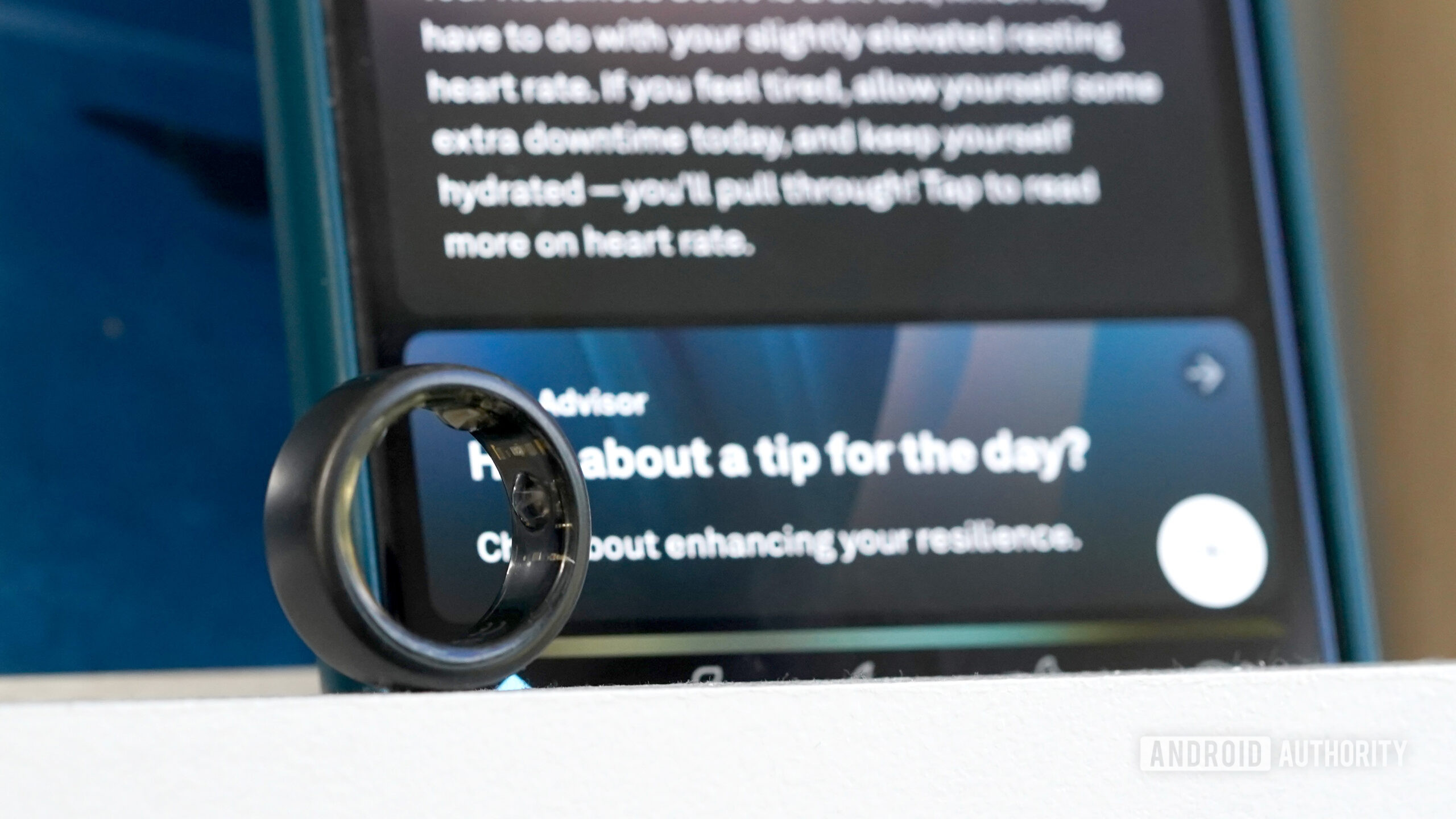
An Oura Ring 3 rests in front of a screen display the Oura Advisor prompt.

Credit: Kaitlyn Cimino / Android Authority

AI-generated features are taking the wearables market by storm, including friendly chatbots. Among the newly launched artificial personalities is Oura Advisor, a beta feature within the Oura app for the company’s smart ring users. I tested the opt-in feature over the course of several weeks, and I must say, it’s intriguing.

Oura Labs

The Oura Lab program allows users to test features that are still in development. It has the dual benefit of being fun for participants and an avenue for Oura to collect useful feedback. For me, it gives a thrill similar to childhood, trying out new sports equipment before the season starts. The company originally launched the concept in April 2024 and has since added a handful of beta features for members to test drive.

Here are some hot deals on portable batteries from Jackery and Anker

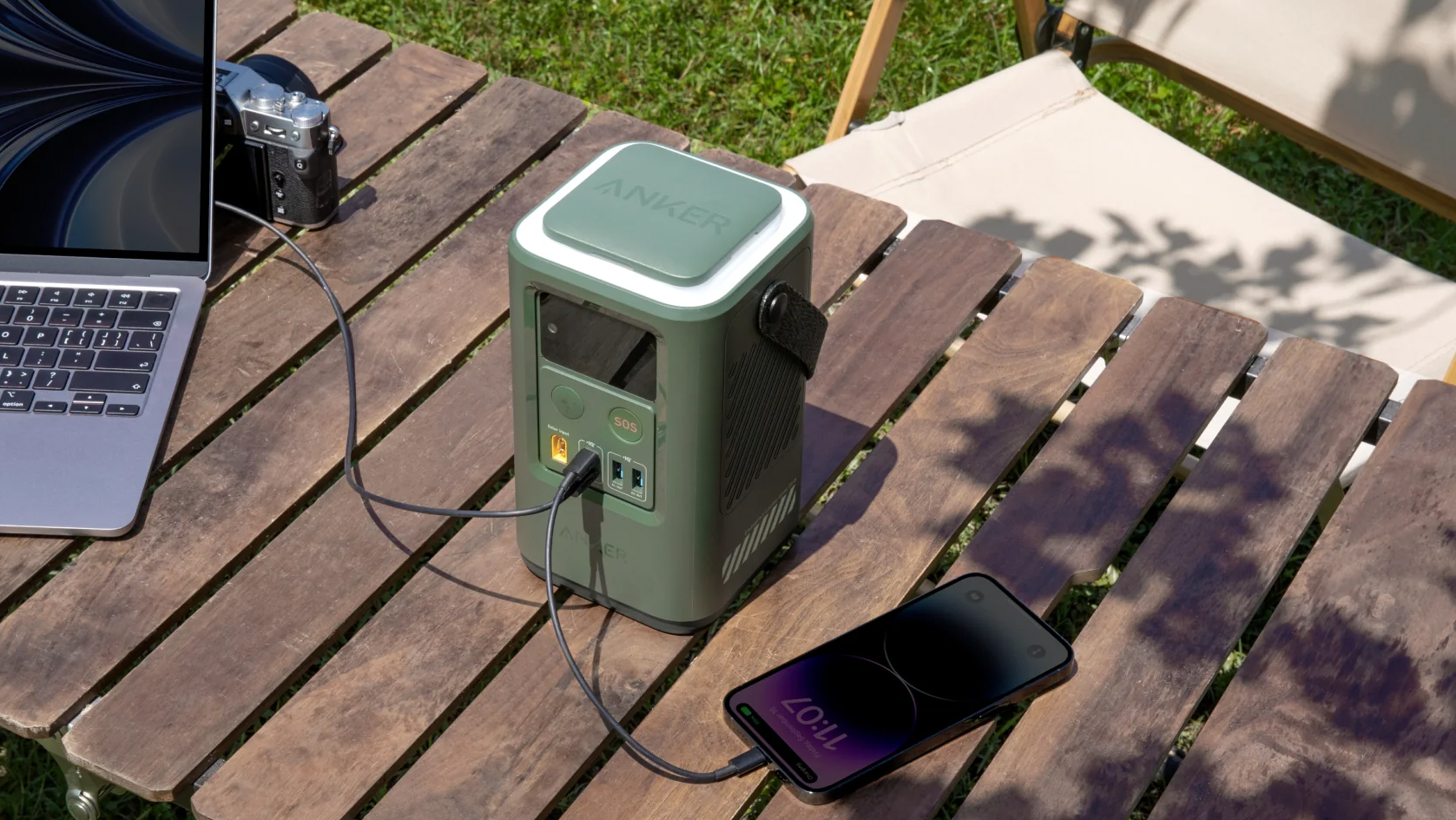
Anker 548 Power Bank

Credit: Anker

There are plenty of great portable battery packs out there, but we know many of you have much more demanding power needs. If you often find yourself going on weekend adventures, or need to juice up more power-hungry electronics, the average power banks just won’t cut it. You’ll need a higher-end battery or an all-out power station. The thing is, these can get expensive, but Jackery and Anker have some fantastic deals that will soften the blow.

The Anker 548 Power Bank is just under $100, which is about a 33% discount. If you need more power, the Anker SOLIX C800 Power Station is $200 off, bringing the cost down to $399. The most demanding users will want to go with the Jackery Explorer 2000 Pro with 200W solar panel, which is down to $1,299, which is equivalent to a whopping $1,100 discount.

Poll results: Your favorite Pixel 9 designs and colors revealed

Google unveiled the Pixel 9 series to some fanfare on Tuesday, and we can’t wait to find out if the performance lives up to the hype. Meanwhile, we’ve been getting sneak peeks of the four phones in the lineup for weeks, thanks to leaks and tipsters. That let us form some first impressions about the colors and designs of the devices, but we were more interested in your early thoughts. Was it love at first sight? Or was a shrug all that you could muster? We’ve been running some Pixel 9 polls of our readers to get their views on the designs and colors of the handsets.

We’ve been asking four questions about this theme, and we’ll start by looking at the color options. We asked which of the Pixel 9 Pro colors you liked most, with the possibilities being Hazel (grayish green), Obsidian (dark gray/black), Porcelain (white/cream), and Rose Quartz (light pink). We also gave you the option to say that you weren’t a fan of any of them. We were interested to know because not all the colors are the same as the Pixel 8 series, and not even every Pixel 9 model has the same four choices. Hazel and Rose Quartz are new to the Pixel 9 Pro this year, with the Bay (blue) colorway no longer featured. Let’s see what you told us.

Can Hackers Track Down a User Based on Google Maps Usage?

In an age where digital privacy concerns are at an all-time high, the potential for hackers to track users through their Google Maps usage raises significant alarm. Google Maps, a widely-used navigation tool, provides invaluable convenience in everyday life, but its data-sharing features can also present risks if not properly managed.

How Google Maps Can Reveal User Information

Google Maps collects a variety of data to provide accurate location-based services. This includes GPS coordinates, search history, and location history. While this data helps improve user experience—offering tailored recommendations, traffic updates, and navigation assistance—it also has the potential to be exploited if not adequately secured.

1. Location History: Google Maps tracks users’ movements through their location history. If hackers gain access to this data, they can potentially reconstruct a user’s daily routines, frequented locations, and even specific addresses.

2. Shared Locations: Users often share their real-time location with friends or family through Google Maps. If this feature is not managed carefully, a hacker who compromises a user’s account could misuse this shared information to track their movements.

3. Search and Activity Data: Google Maps also records search queries and locations that users have looked up. This data can give hackers insights into a user’s interests and habits, which might be exploited for more targeted attacks.

Potential Risks and Exploitation

While Google Maps itself has robust security measures, vulnerabilities can arise from user behavior or third-party applications:

•    Phishing and Social Engineering: Hackers can use phishing tactics to gain access to a user’s Google account. Once in, they could access location history and other sensitive information.

•    Account Compromise: If a user’s Google account credentials are compromised, hackers could access not only Google Maps data but also other linked services.

•    Data Breaches: Large-scale data breaches at Google or associated services could expose location data to unauthorized parties.

Mitigating the Risks

Users can take several steps to protect their privacy and reduce the risk of being tracked through Google Maps:

1. Review and Manage Location History: Regularly review your location history settings and delete any data you no longer want Google to retain. You can control whether your location history is turned on or off in the Google account settings.

2.Adjust Privacy Settings: In Google Maps, you can adjust privacy settings to limit who can see your location. Be cautious about whom you share real-time locations with and review these permissions periodically.

3. Enable Two-Factor Authentication: Adding an extra layer of security to your Google account through two-factor authentication can help prevent unauthorized access.

4.Be Cautious with Third-Party Apps: Be mindful of granting location access to third-party applications and services. Regularly review and revoke permissions for apps that no longer need access to your location.

Conclusion

While Google Maps is an incredibly useful tool, its capabilities can potentially expose users to privacy risks if not managed carefully. Hackers can exploit vulnerabilities to track users based on their location data, but with prudent privacy practices and security measures, individuals can significantly mitigate these risks. Being aware of the potential dangers and taking proactive steps can help safeguard personal information in an increasingly interconnected world.

The post Can Hackers Track Down a User Based on Google Maps Usage? appeared first on Cybersecurity Insiders.

Mobile security settings useful to block thieves in extracting data and money

In recent months, Britain has seen a concerning increase in smartphone thefts. Whether on the tube, during transit, or simply walking home, thieves are seizing every opportunity to target unsuspecting smartphone users.

To help you safeguard your data and finances in the event your smartphone is stolen, here are some crucial steps to follow. If your phone falls into the wrong hands, scammers could exploit your personal information and potentially drain your bank accounts, especially if you have mobile banking services enabled.

1. Use Strong Passcodes- Security experts recommend using a passcode of at least six digits to protect your device. A strong passcode makes it significantly harder for thieves to access sensitive information, such as personal details or financial data. Avoid using easily guessed passcodes, and consider utilizing biometric security features like Face ID in addition to your passcode.

2. Activate “Find My Device”- If you’re an Android user, ensure that the “Find My Device” feature is activated. This tool helps locate your phone if it’s stolen or lost. In dire situations, it can also remotely erase your data, providing an added layer of security and peace of mind.

3. Set Up a SIM PIN- When thieves steal a smartphone, they often discard the SIM card to use their own. By enabling a SIM PIN, your device will require a passcode whenever the SIM card is changed or the device is restarted, making it more difficult for thieves to use your phone.

4. Utilize Cloud Storage- Investing in a smartphone with cloud storage capabilities is wise. Services like Google Drive offer free storage, allowing you to back up photos, videos, and documents. This means you won’t need to keep all your important data on your device, reducing the risk of losing it.

5. Keep a Record of Your IMEI Number- Every smartphone has a unique IMEI number, which can be used to disable the device if it’s stolen. Make sure to keep a record of this number and report the theft to your mobile carrier. They can assist in blocking the phone from further use.

6. Stay Vigilant- Avoid using your phone while walking, shopping, or commuting. Thieves often target individuals who are distracted and unaware of their surroundings, giving them ample time to make a quick getaway before the victim realizes what has happened.

By following these tips, you can better protect yourself against smartphone theft and the potential misuse of your personal information. Stay safe!

The post Mobile security settings useful to block thieves in extracting data and money appeared first on Cybersecurity Insiders.

The Narwal Freo X Ultra robot vacuum is $400 off right now!

Narwal vacuums at CES 2024 (21)

Credit: Edgar Cervantes / Android Authority

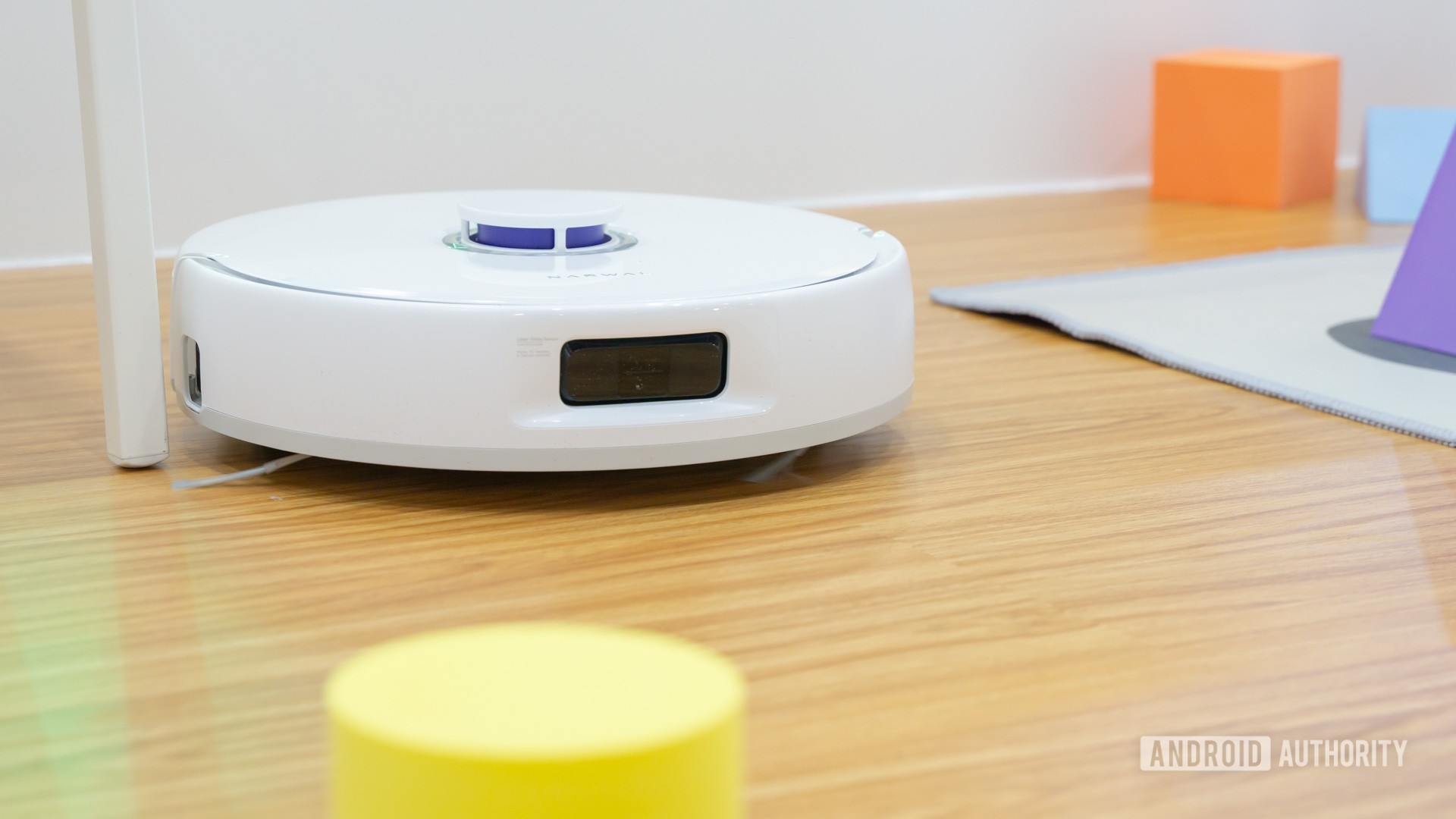
Investing in a great robot vacuum can really change your life. One of our favorite robot vacuums is the Narwal Freo X Ultra. It is a true beauty, but it is pretty expensive at $1,400. You gotta keep an eye open for deals if you want this robot vacuum and mop, and today is your lucky day. The Narwal Freo X Ultra is available at a $400 discount, bringing the total price to $1,000.

Get the Narwal Freo X Ultra for $1,000

Google and Peloton team up to offer Peloton classes to Fitbit users

  • Google Fitbit and Peloton announced a multi-year partnership to bring Peloton classes to the Fitbit platform.
  • Fitbit users, especially Premium members, will gain access to a wide variety of Peloton classes.
  • Peloton members will receive special offers on the Google Pixel Watch and Fitbit Charge 6 devices.

The Pixel Watch 3 is Google’s best smartwatch to date. For the first time in the Pixel Watch series, users can choose between two different sizes, catering to a wider range of wrist preferences. Additionally, the Pixel Watch 3 boasts a host of new health and activity tracking features, further solidifying its position as a comprehensive fitness companion.

But the Pixel Watch 3 launch isn’t the only exciting news from Google. The company has also announced a multi-year, multi-country partnership between Peloton and Google’s Fitbit platform. This collaboration will bring Peloton’s extensive library of fitness classes to Fitbit users starting in early September.

Samsung deals: Here are a bunch of discounts for students!

Samsung Back to School 2024

Credit: Samsung

We know most of you aren’t ready for vacations to end, but the time to get back to school is almost here. Ready or not, we know having the right tools can make all the difference in your studies, and Samsung has a bunch of deals to help you get back to the classroom both in style and prepared. Samsung’s 2024 Back To School Offers can save you cash on new technology. Let’s go over some of the hottest offers we think will help students the most.

Who qualifies for Samsung’s student discounts?

First things first, we must let you know you can’t just waltz into Samsung’s website, say you’re a student, and take advantage of all these great discounts. You must register your Samsung account as a student first, which requires verification. The verification process also requires a university email address.

Poll result: Your ideal Google One ‘Lite’ plan is just no-frills cloud storage

One of the big reasons that Google’s become as big as it has is the way it makes so many of its services available for anyone to use, totally free of charge. Sure, the company turns around and makes ad money off our usage, but offering so much for so little is still an incredibly impressive feat. That said, Google’s not going to sit there and leave money on the table, and if there’s the chance to upsell you on a premium service — kinda like Google One — it’s going to be very interested in making that conversion.

Last month, while we were poking our nose around looking for upcoming features in a new Google Photos release, we spotted evidence that seemed to suggest Google was working on a new Google One “Lite” offering. While we were immediately intrigued, we also didn’t know quite what to expect from a tier labeled like that. Presumably it would exist somewhere around the $2/month Basic tier we have now, but what exactly would it include? Would it mean giving up features we value?

The iPhone 15 doesn’t have Apple Intelligence, but the next iPhone SE might

Apple logo purple

Credit: Robert Triggs / Android Authority
  • Apple’s next iPhone SE is rumored to get Apple Intelligence.
  • The iPhone 15 is too underpowered to support the company’s AI.

Of Apple’s current handsets, Apple Intelligence is only available on the iPhone 15 Pro and Pro Max. Although these features aren’t supported by the iPhone 15 or iPhone 15 Plus, they may become available for the company’s cheapest handset — the next iPhone SE.

In his weekly Power On newsletter, Bloomberg’s Mark Gurman says that the iPhone SE (4th gen) should launch at the beginning of 2025. Rumors have suggested there could be a release early in the year, but something we weren’t expecting was a mention of Apple Intelligence support.

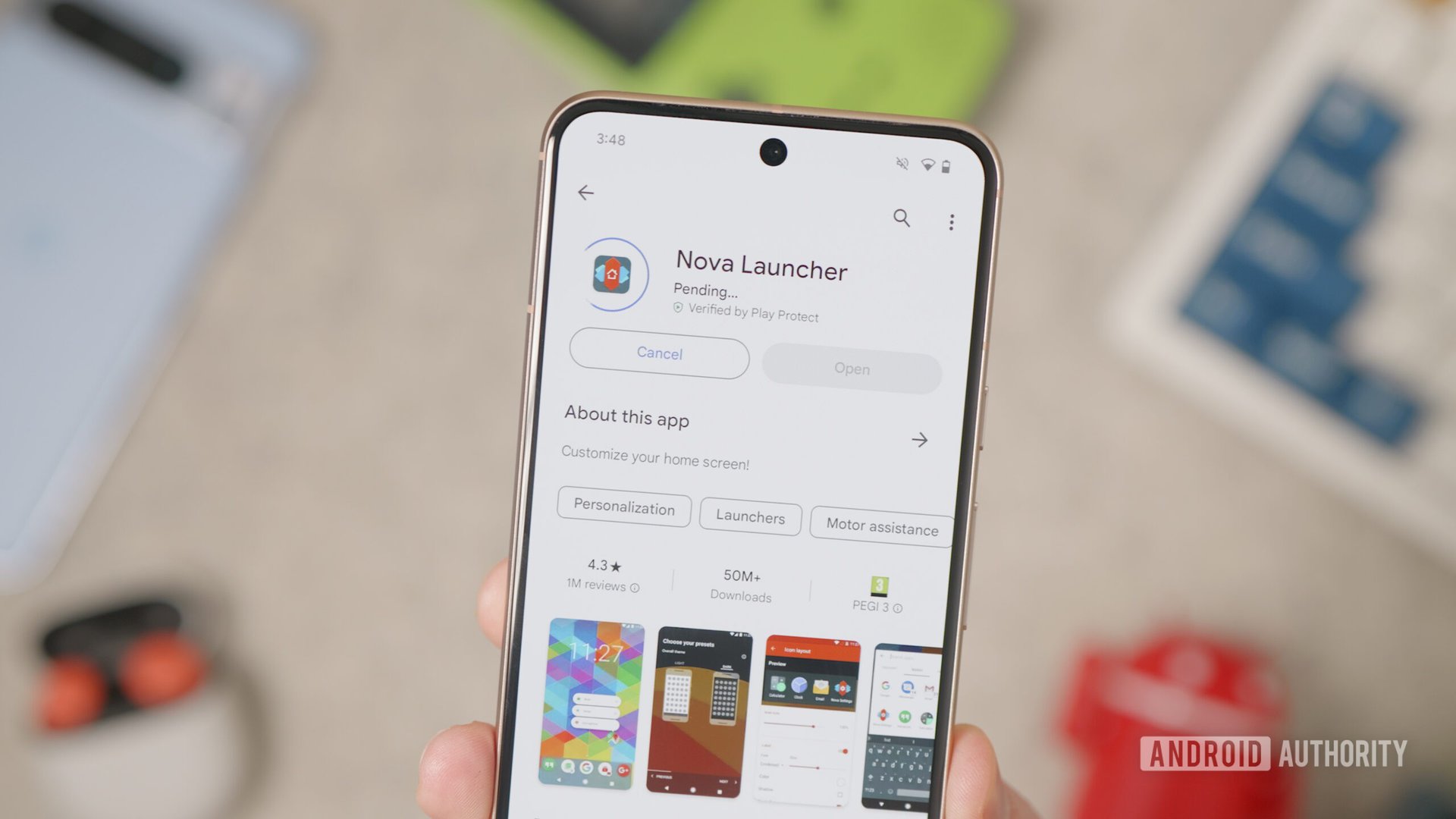
Nova Launcher founder addresses app’s status and future after layoffs

Nova Launcher Play Store

Credit: Damien Wilde / Android Authority
  • The lead developer of Nova Launcher, Kevin Barry, has issued a statement on the launcher’s state.
  • Barry clarifies the roles Rob Wainwright and Cliff Wade played on the Nova team
  • He goes on to explain that he has been and still is the primary contributor to Nova Launcher.

Late last week, news hit that parent company Branch Metrics laid off more than 100 employees, including all of the Nova Launcher team, save for its founder and original developer Kevin Barry. Barry has now released an official statement that touches on the layoff and the state of Nova Launcher.

If you’re unfamiliar with the software, Nova Launcher is a third-party home screen launcher that opens up customization options users may not have had with the default stock home screen. This includes things like modifying grid sizes, choosing widget placement, and having app drawers. Nova was acquired by analytics firm Branch Metrics in 2022, which allowed Nova to gain deep insights into how users use the app.

-- Get the right stuff from a partner you trust. --

Partners

-- IT NEWS --

Blog

admin December 11th, 2025

Credit: Edgar Cervantes / Android Authority TL;DR Spotify is getting a new “Prompted Playlist” feature to help users create more […]

admin December 11th, 2025

TL;DR Four of the best Good Lock modules aren’t working properly on the One UI 8.5 beta. Home Up and […]

admin December 10th, 2025

This is an open thread. We want to hear from you! Share your thoughts in the comments and vote in […]