
My Google Keep notes were a mess — here’s how I got them under control
Google Keep has been my go-to note-taking app for years, but I recently noticed that my disorganized notes were becoming overwhelming, making it harder to find what I was looking for. I had previously tried color-coding notes and pinning important ones, however these fixes were no longer enough.
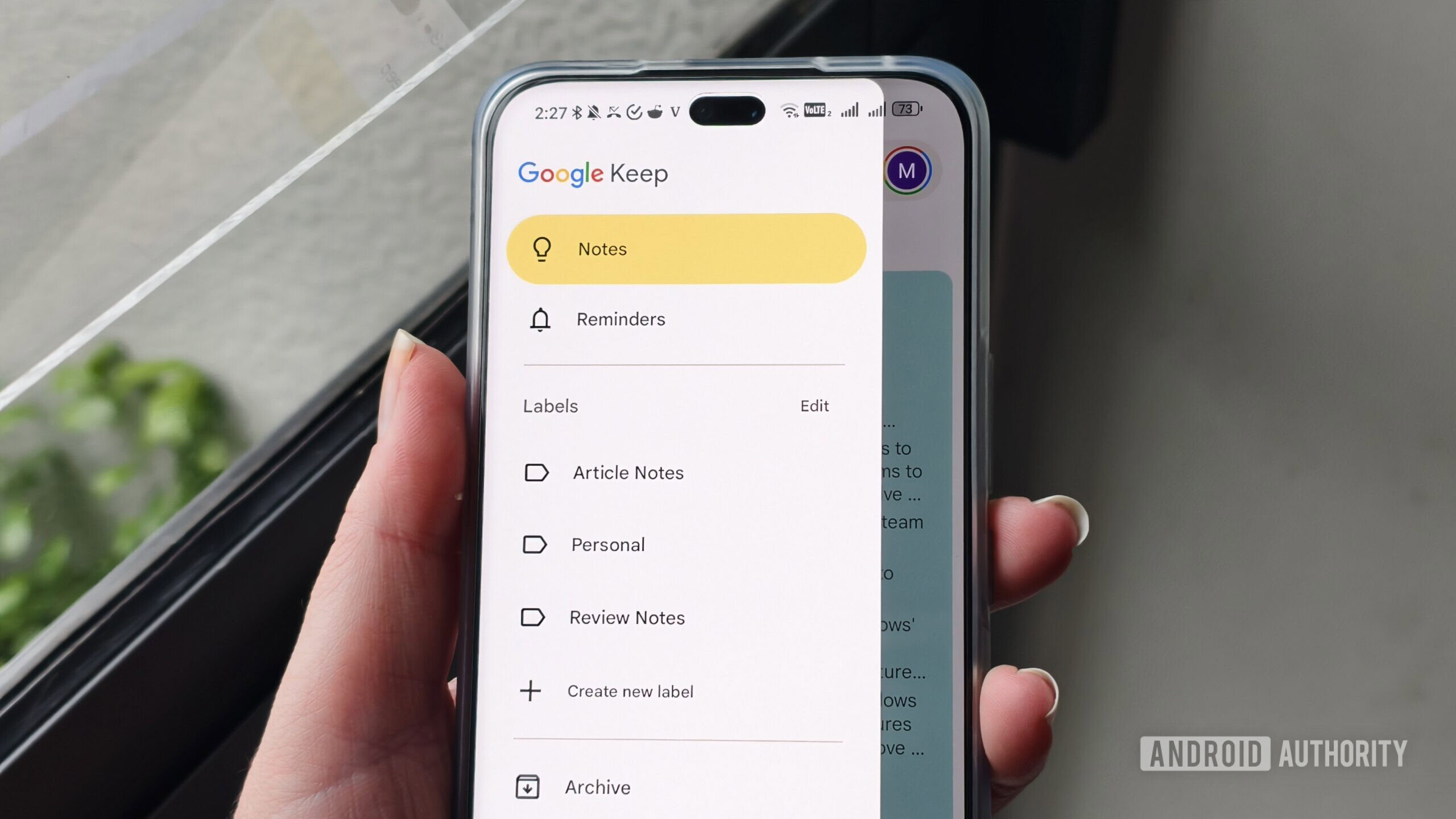
I decided to finally get control over my notes by using features I’d often ignored, including labels and deleting old notes I no longer needed. But I also moved some of my notes to another app with more advanced features.
Finally using labels
-- Get the right stuff from a partner you trust. --
Partners







-- IT NEWS --
Blog
Affiliate Disclosure: This post may contain affiliate links, when you buy through links in the description we may earn an […]
I’ve been a dedicated iPad user for the better part of a decade. Ranging from the annoyingly expensive iPad Pro […]
Credit: Sound Guys You don’t need to spend hundreds of dollars on good earbuds. In fact, you can get some […]