
Google’s AirDrop integration isn’t just one-way, iPhones can beam files to Android too
- Android’s new Quick Share update doesn’t just send files to iPhones; it also receives AirDropped files from iPhones.
- We confirmed that Pixel 10 devices appear in the AirDrop list once you enable Everyone for 10 minutes or tap ‘Receive’ in Quick Share on your Android phone.
- Google says the feature uses a direct, secure peer-to-peer connection and plans to expand support beyond the Pixel 10 series.
Google’s new Quick Share update doesn’t just let Android users send files to iPhones using AirDrop. We’ve confirmed that AirDrop can also now send files from an iPhone directly to a Pixel 10 as well, bringing true cross-platform sharing to the table.
So if your friend has an iPhone, they can follow the exact same AirDrop steps they would use to send a file to another Apple device. Your Pixel 10 will show up in their AirDrop list, and the transfer goes through normally. On your side, you’ll just need to set “Who can share with you” in Quick Share to “Everyone for 10 minutes” or tap the Receive button to temporarily make your device visible to everyone. You’ll obviously need an updated phone and the new Quick Share app for interoperability to work.
Partners







Blog
Credit: Sound Guys You don’t need to spend hundreds of dollars on good earbuds. In fact, you can get some […]
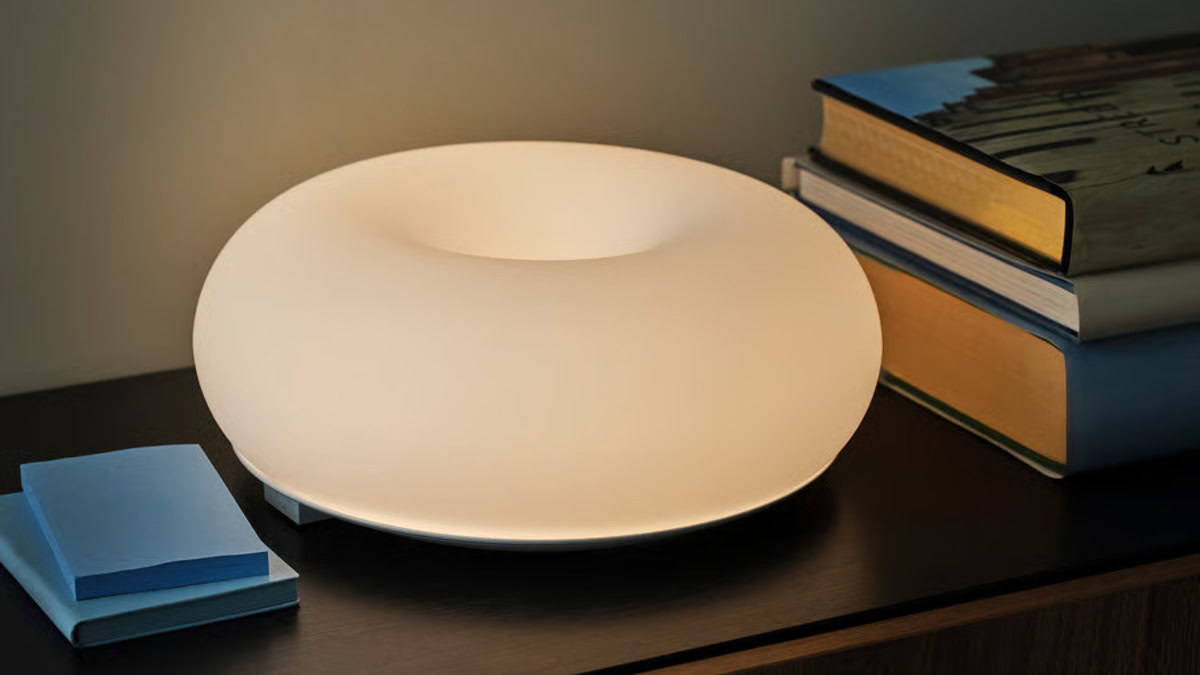
Credit: IKEA TL;DR IKEA has published a product listing on its Swedish website for its upcoming Varmblixt LED smart lamp. […]
TL;DR Democratic lawmakers have asked the FTC to investigate Trump Mobile over alleged false advertising. The request centers on the […]