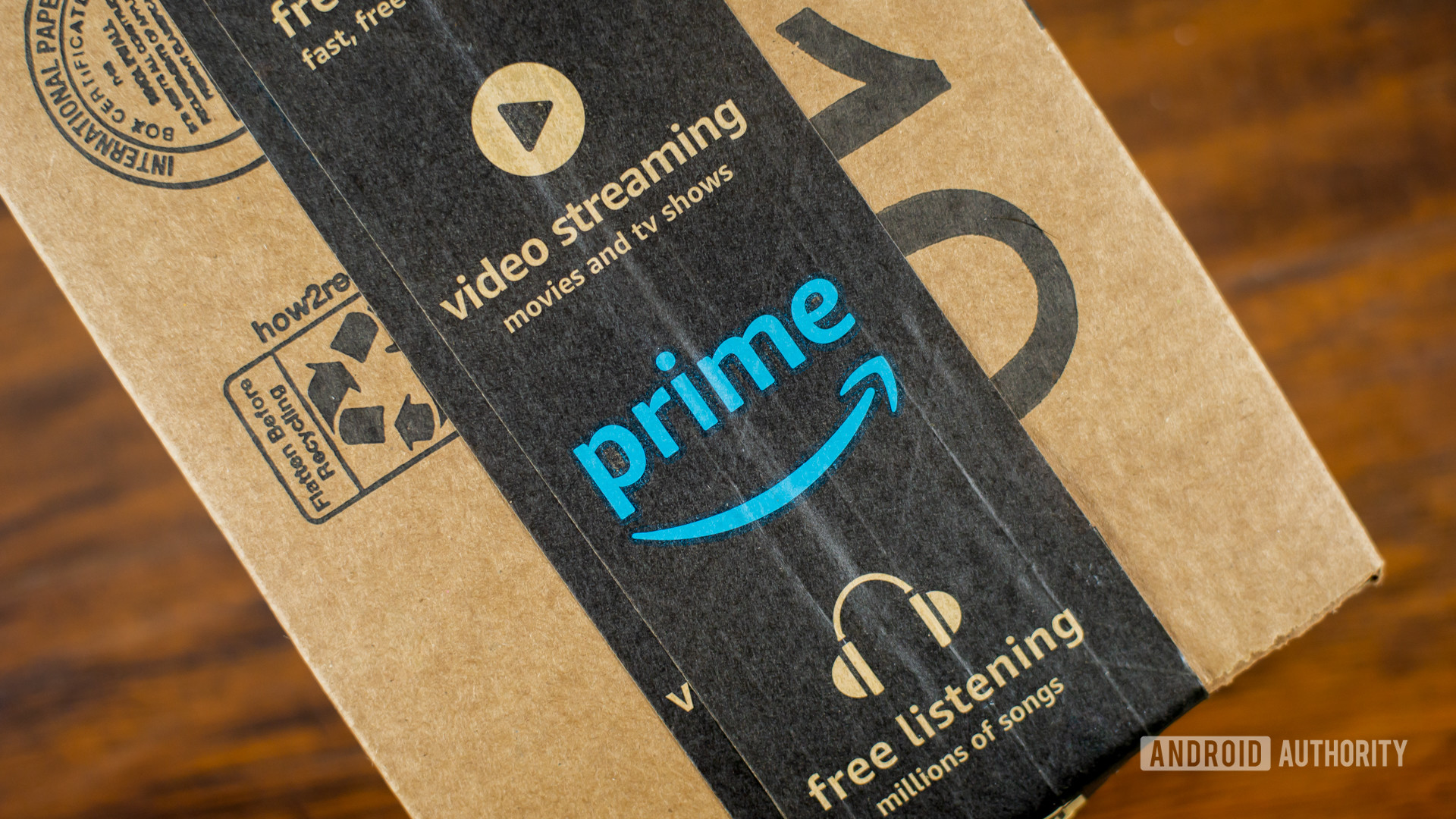
No more Prime shipping perks outside your family (Updated: Amazon statement)

Amazon Prime Box 2

Credit: Edgar Cervantes / Android Authority
  • Amazon will shut down the Prime Invitee program on October 1.
  • Free Prime shipping perks can only be shared with people at the same address via Amazon Family.
  • Invitees outside your household will need their own Prime membership going forward.

Update: September 2, 2025 (10:56 PM ET): An Amazon spokesperson has contacted Android Authority with an official statement on the matter. Here’s what they had to say:

The Invitee program, which enabled sharing of the Prime shipping benefit only, is being phased out, and Prime members can instead share a broad range of Prime benefits with Amazon Family, including: fast, free delivery; access to exclusive deals and shopping events like Prime Day; movies, series, and live sports with Prime Video; Amazon Music and additional digital entertainment; access to a free Grubhub+ membership; and fuel savings at more than 7,500 bp, Amoco, and participating ampm locations. Amazon Family enables Prime members to share a range of benefits with one adult—whether that is a spouse, family member, or roommate—and Prime Video and additional digital content like Kindle eBooks, audiobooks, and games, with up to four children in their household.
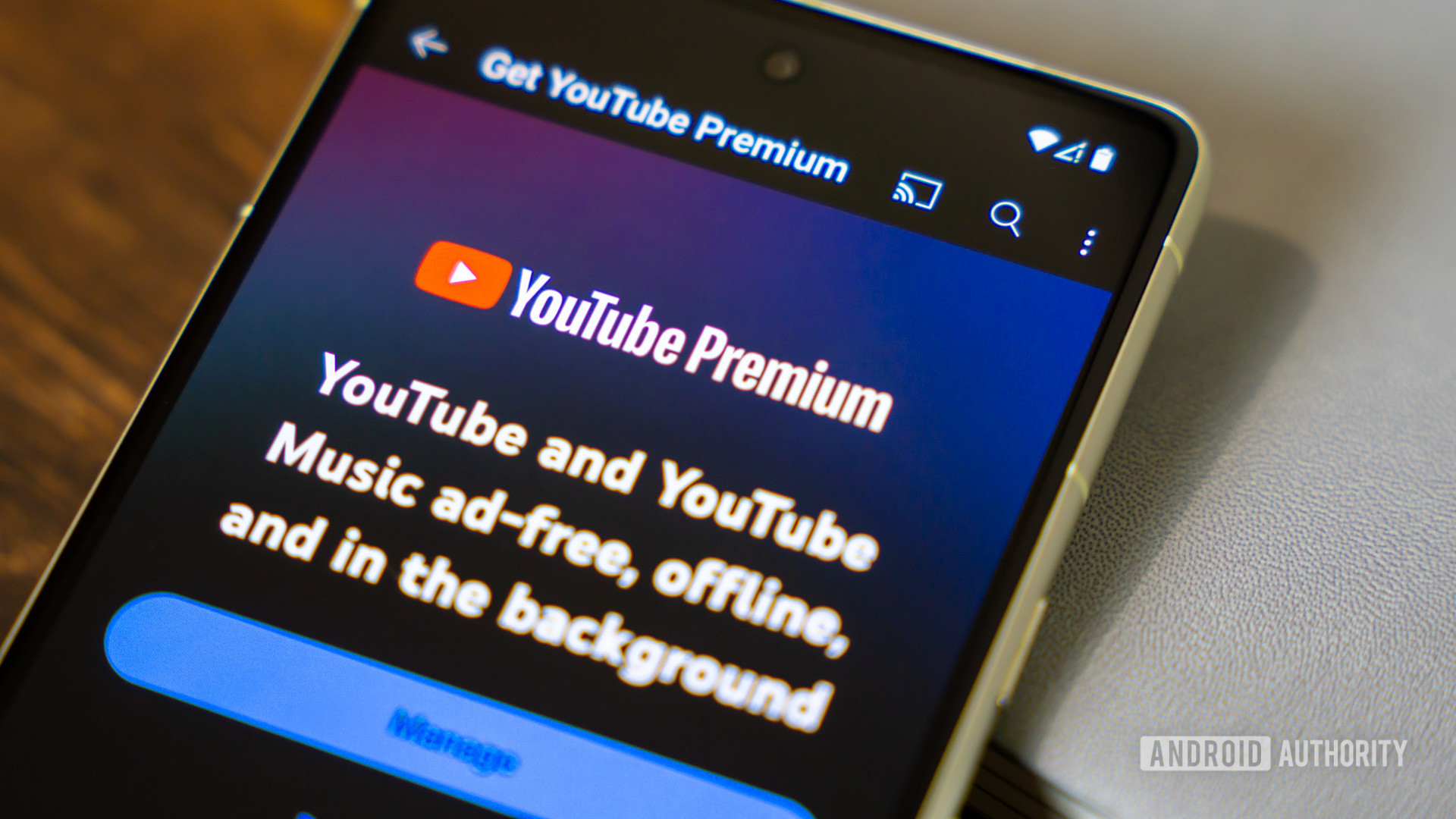
YouTube is coming for your shared Premium account, just like Netflix did

YouTube premium app on smartphone stock photo (3)

Credit: Edgar Cervantes / Android Authority
  • YouTube seems to be cracking down on Premium Family plan members who don’t live in the same household as the plan manager.
  • Users are reportedly receiving warning emails that their Premium access will be paused if they fail YouTube’s location-based check-in.
  • This mirrors location-based password-sharing crackdowns by Netflix and other major streaming services.

If you’ve been freeloading on a YouTube Premium Family plan from outside the “family home,” the party might be coming to an end. YouTube seems to have started tightening its grip on Premium Family plan sharing in accordance with its longstanding policy.

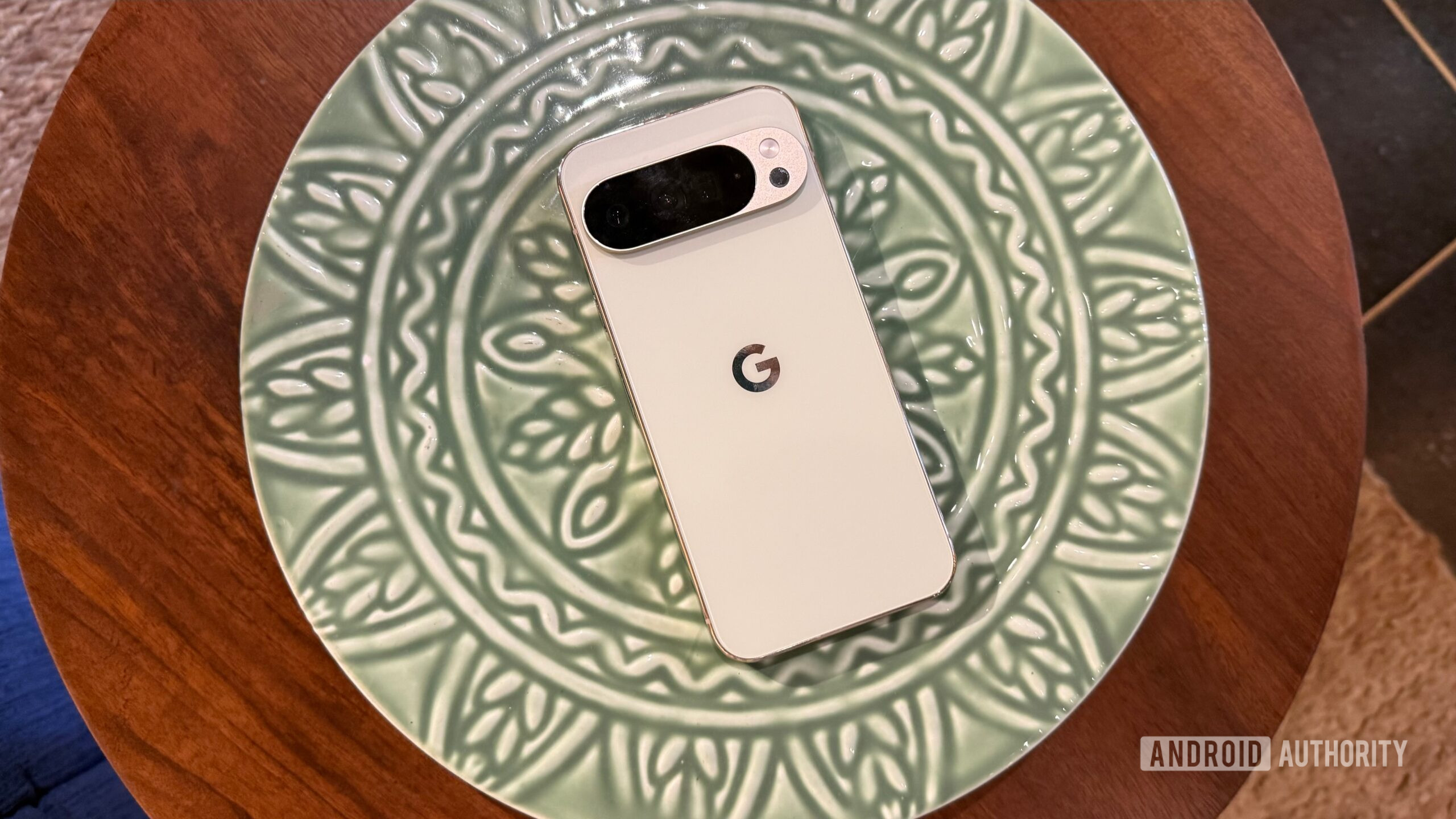
Pixel 10 Pro XL proves its got the strength to match its software update promise

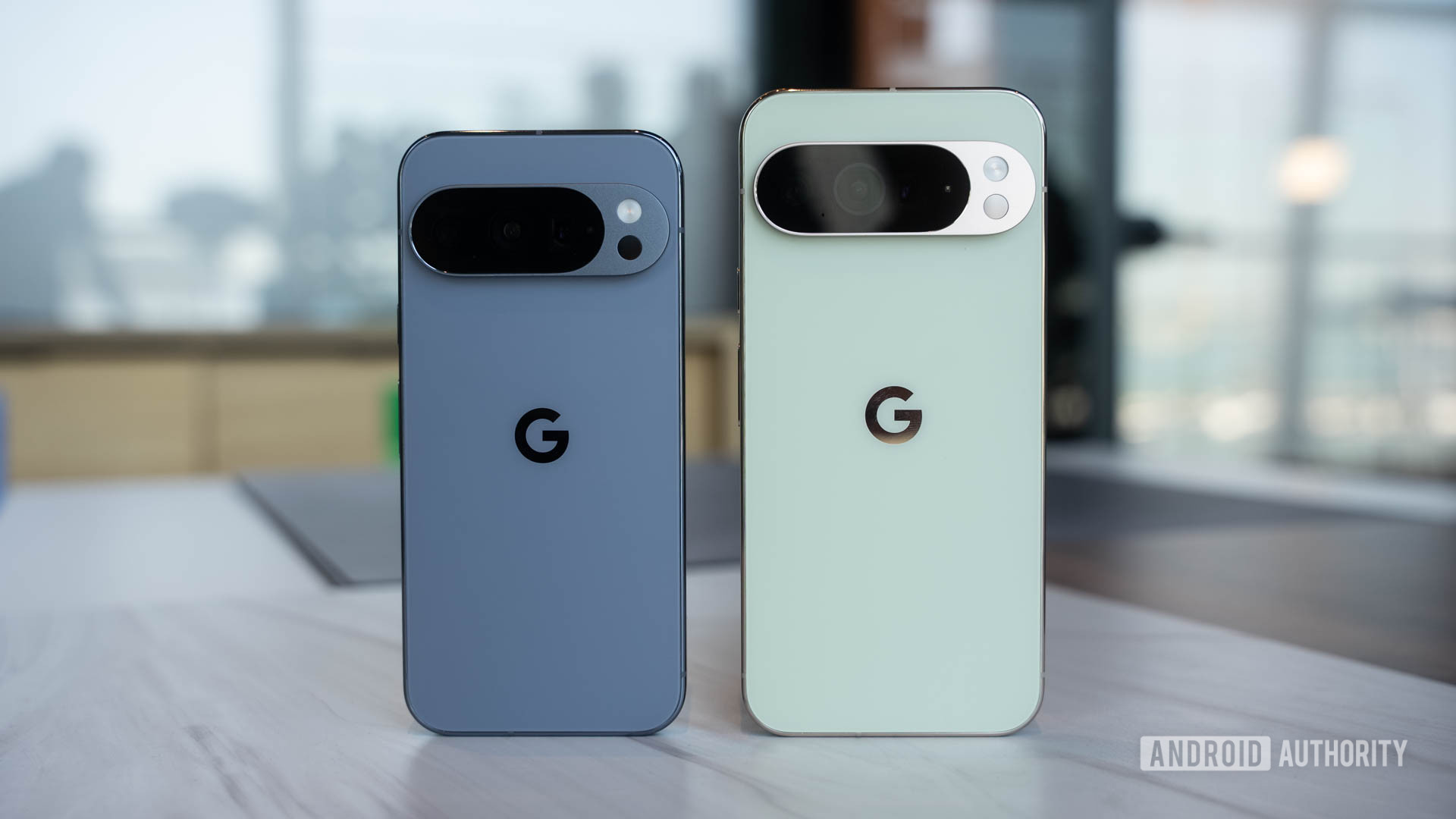
Pixel 10 Pro XL Jade back

Credit: Adamya Sharma / Android Authority
  • The Pixel 10 Pro XL has passed JerryRigEverything’s durability test with flying colors.
  • The YouTuber called it the toughest Pixel ever built.
  • Still, if you plan to use the device for seven years, it’s a good idea to slap on a screen protector or use a cover that protects the display.

Google’s Pixel 10 Pro XL has gone through the popular JerryRigEverything stress check, and the results show a phone that might be the toughest Pixel Google has ever built.

Google Pixel 10 tips and tricks: 10 ways to make your new Pixel better

It’s the most wonderful time of the year: Pixel season. Google’s latest batch of flagships is upon us, and there are many new features to explore, from a telephoto camera on the Pixel 10 to new Gemini capabilities across the entire range. With so many new wrinkles to explore, diving into a brand-new Pixel can be intimidating. That’s where we come in. We’ve already had our hands on the entire Google Pixel 10 series, and here are the tips and tricks we’ve relied on so far.

Before we dive in, make sure that the very first thing you do with your Pixel 10 is check for an update. We can promise that one will be waiting for you, and it will take quite a while to install, so just be ready to sit by while your new Pixel gets up to speed. When it does, you’re finally ready to jump in, so let’s get to it.

I installed Google Journal on my Samsung, and you should too

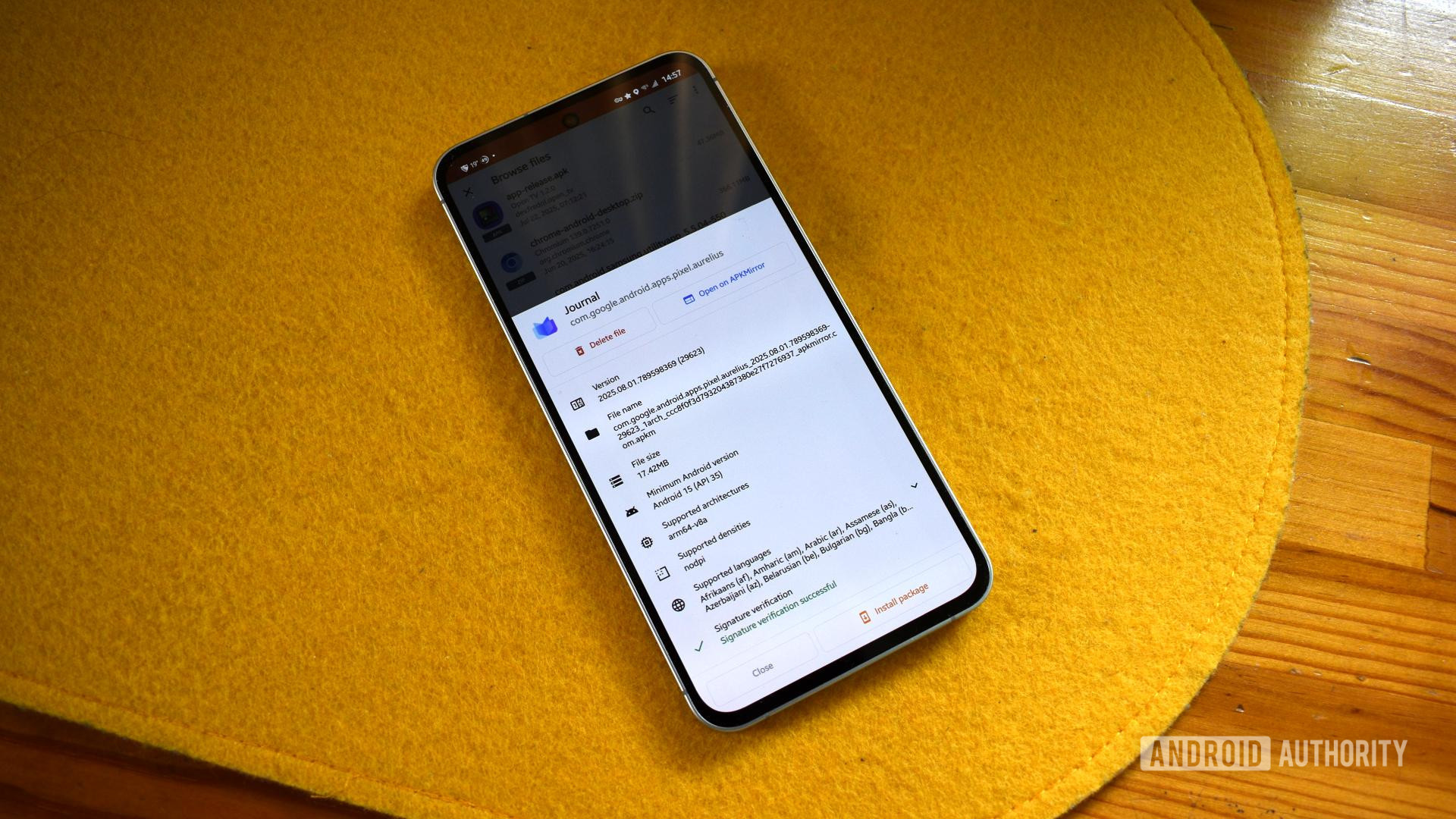
Google rolled out many new software features and apps with the Pixel 10, including a new diary app called Journal. While it’s believed to be exclusive to the new phone line, that’s not entirely true. I downloaded the APK and installed it on my Samsung Galaxy phone without much trouble. If you’re looking for a simple, immediate journal app, I suggest you try it on your phone too.

How to install Google Journal on a non-Pixel phone

google journal apkmirror 1

I hate installing apps to save money, but this Pixel privacy feature makes it worthwhile

mcdonalds loyalty app

Credit: Calvin Wankhede / Android Authority

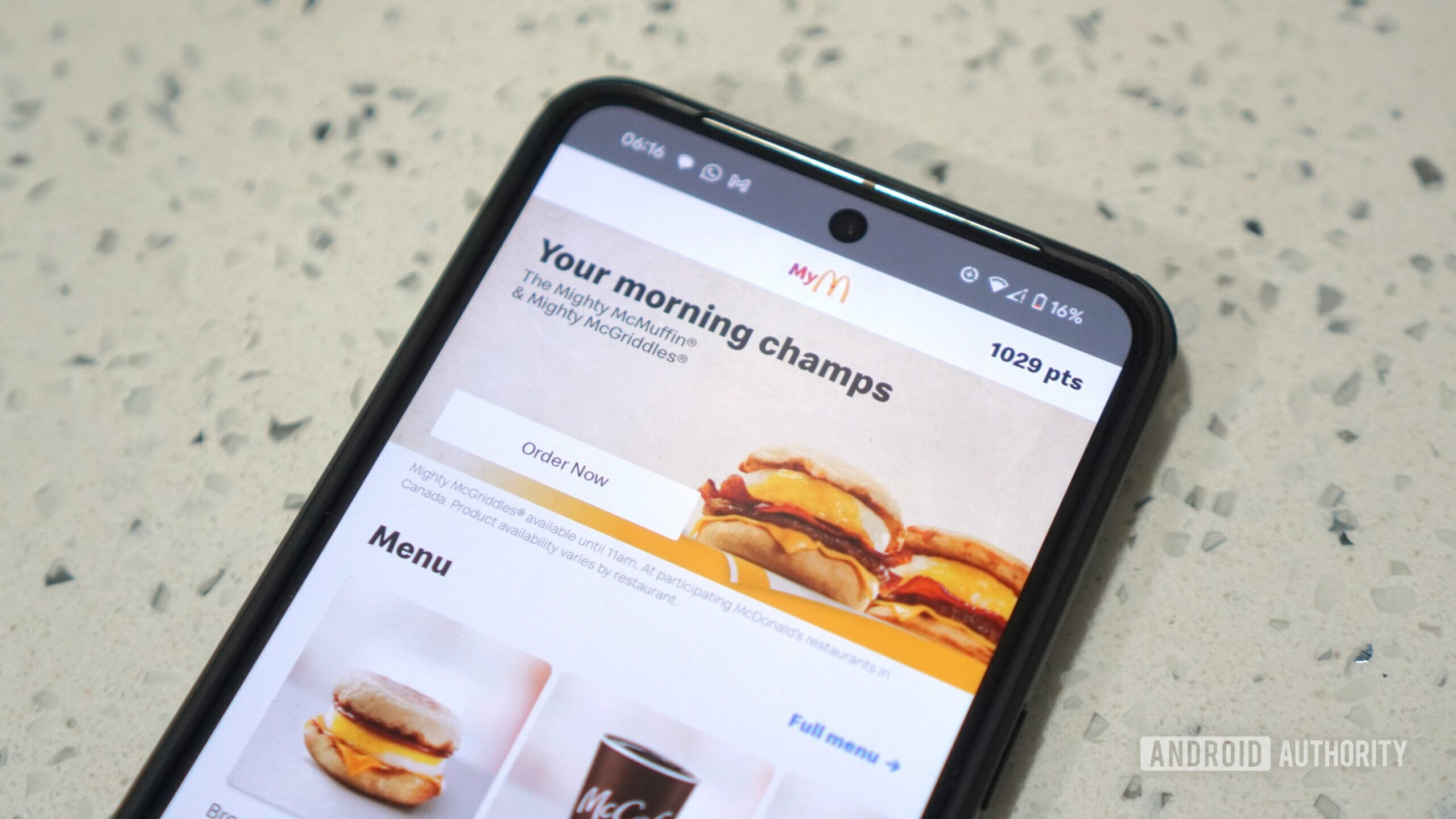
Prices at fast food chains, restaurants, and even grocery stores have spiraled out of control over the past couple of years. Luckily, not all hope is lost — if you’re a savvy shopper, you might know that the best way to save real money is to check for loyalty program discounts and limited-time offers. The only problem? Most of these offers require you to download each company’s app and check into them from time to time.

If installing a dozen different apps sounds like a privacy nightmare, I wholeheartedly agree. But luckily, I’ve found a way to use these apps without the downsides — and it’s all thanks to a Pixel feature that has existed since last October.

Here We Go is the non-Google map app I didn’t know I needed

Earlier this year, I started to become concerned about how much of my personal life was tied to the big tech companies, especially my Google account. And Google Maps was one of the biggest culprits. It had steadily changed from a clean and dependable navigation tool to a cluttered mess filled with ads. Worse, it sat at the heart of Google’s ecosystem and I knew I had to find a real alternative.

I wanted something different. I went looking for a navigation app that respected me as a user. It had to be simple, and didn’t require me to sign in with a Google account. That search led me to Here We Go, a map app from Europe that has a lot of what Google Maps offers but without all the drawbacks. So I gave it a test drive.

Libby introduces ‘Inspire Me’ to beef up your reading list

  • Libby will soon officially roll out a new AI-powered discovery tool called Inspire Me.
  • The feature suggests five titles based on saved books or selected prompts.
  • Some users and librarians are skeptical about privacy concerns and AI replacing human curation.

Libby, the popular library app for borrowing e-books and audiobooks, has introduced a new discovery tool called Inspire Me. The AI-powered feature offers five tailored recommendations based on a reader’s saved titles or selected prompts, surfacing books available to borrow right away.

In theory, the tool should streamline skimming your Libby app for book ideas. But not everyone is ready to hand over their reading list to an algorithm. Libby hopes Inspire Me will complement librarian-led discovery, but some users have already raised red flags. First, about the privacy concerns, but secondly, about the role of generative AI versus real, human experts. As one Redditor bluntly put it: “Thanks, but I’ll stick with my local librarian’s recommendations.” The skepticism reflects a broader hesitation about whether AI belongs in the library experience at all.

Samsung Messages rolls out ‘Bubble Emoji’ to put some personality into your texts

samsung galaxy s22 messages app

Credit: Ryan Haines / Android Authority
  • Samsung Messages has received a new feature.
  • The new feature will automatically add emojis to your text bubble.
  • The update has been released in South Korea.

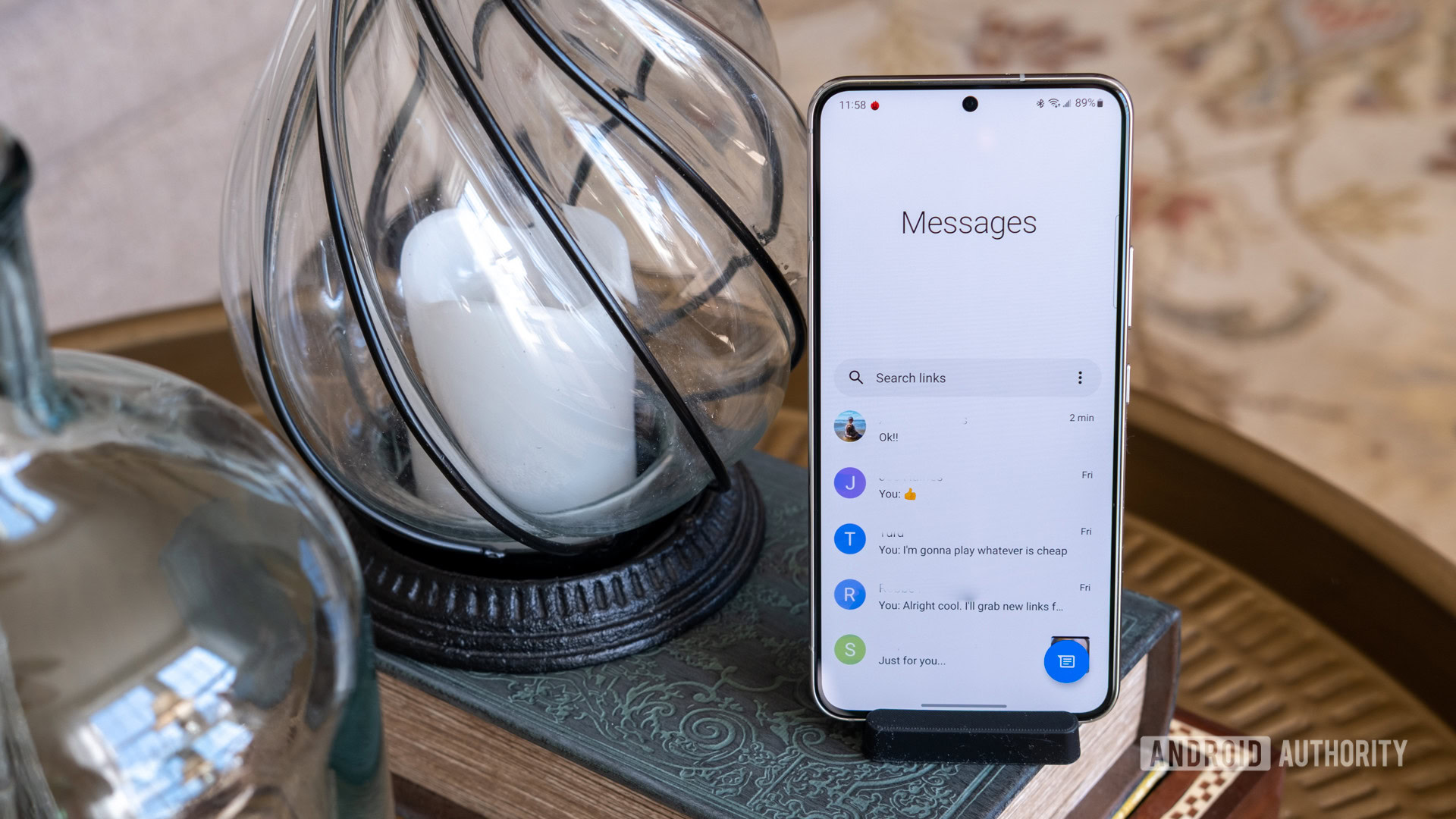
The funny thing about Samsung Messages is that the texting app was going to be sunset. Or at least that’s what Samsung said at the beginning of the year when it decided to instead promote Google Messages. Yet, the tech giant has continued to support the app with new updates. The most recent update makes text bubbles a little more expressive.

Spotted by the folks over at SamMobile, Samsung has pushed out a new update for its Messages app. Before you get too excited, it appears this update has only been released in South Korea. The new feature in question is called Bubble Emoji, which you can see in the image shared by @herjy6372 on X (formerly Twitter).

Google Play Store is making the move to your Pixel 10 a bit less chaotic

Google Play Store logo on smartphone stock photo (5)

Credit: Edgar Cervantes / Android Authority
  • The Play Store Downloads list now separates restored apps into a “From previous device” section during the setup process.
  • The change was spotted by a tipster while restoring apps on a Pixel 10 Pro XL.
  • It’s a small tweak that could make the transfer to a new device marginally less overwhelming.

If you’ve just picked up a new Pixel 10 or any other Android phone, you’ll know the chaos of transferring everything from your old handset. Restoring dozens or hundreds of apps through the Play Store can mean they end up jumbled together with app updates, making it hard to see what’s what as you set up your new device. But it seems that might be getting easier.

As spotted by Artem Russakovskii on X, the Play Store’s Downloads list is now split into two sections: “From previous device” and “Updates.” He noticed the change while restoring nearly 400 apps on his new Pixel 10 Pro XL, but it appears to be a Play Store tweak rather than a Pixel-specific feature.

This mobile hotspot is 28% off, and comes with 1GB of data a month for free!

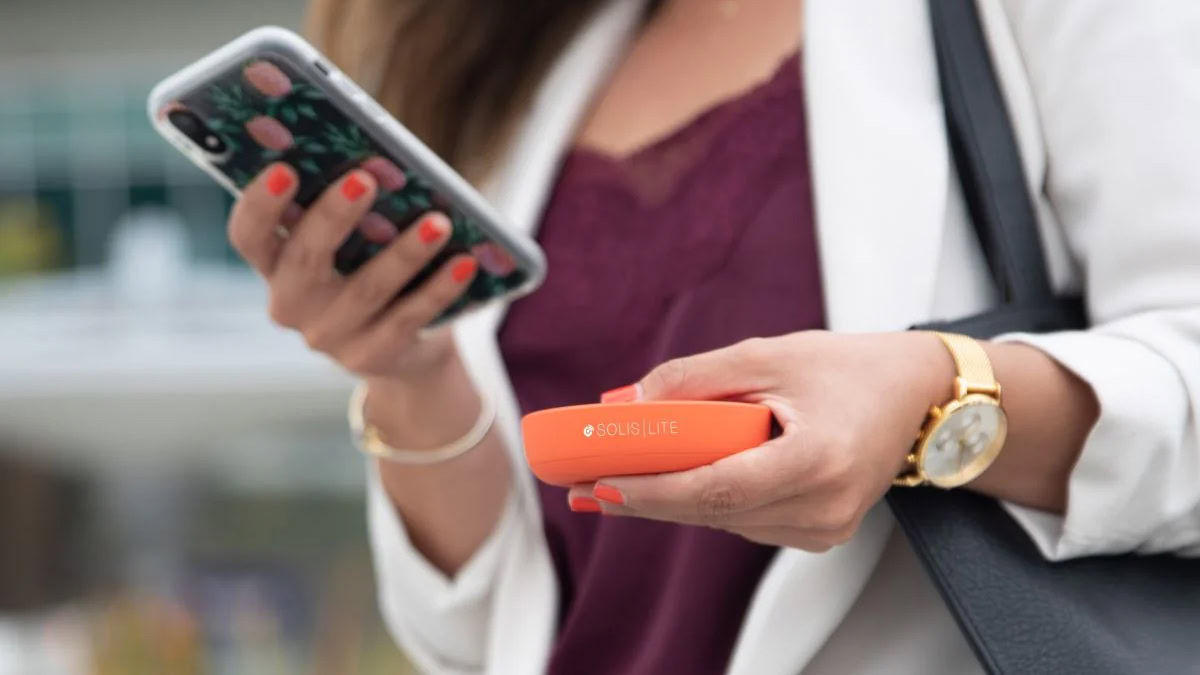
SIMO Solis Lite 4G LTE Mobile Hotspot

Credit: SOLIS

If you constantly need internet on the go, your best bet is to stop using your smartphone’s hotspot feature and get a mobile hotspot device. Here’s a good deal for you. The SIMO Solis Lite is 28% off right now, but that isn’t the only exciting news. The value is in the fact that it comes with a free GB of monthly data… for life!

Buy the SIMO Solis Lite for just $115.19 ($44.80 off)

Today’s hottest foldable phones come from Samsung and Motorola

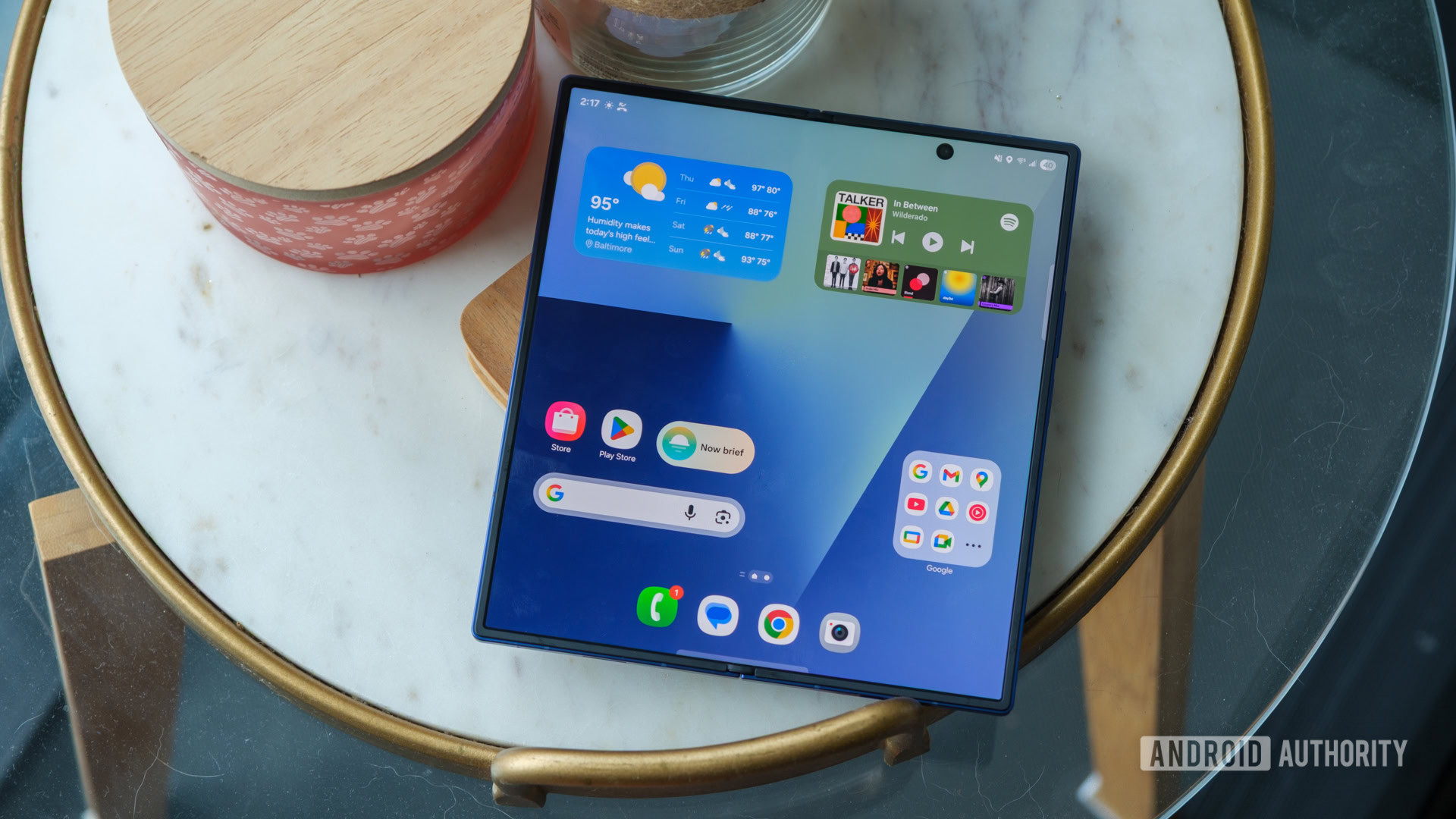
samsung galaxy z fold 7 open on table

Credit: Ryan Haines / Android Authority

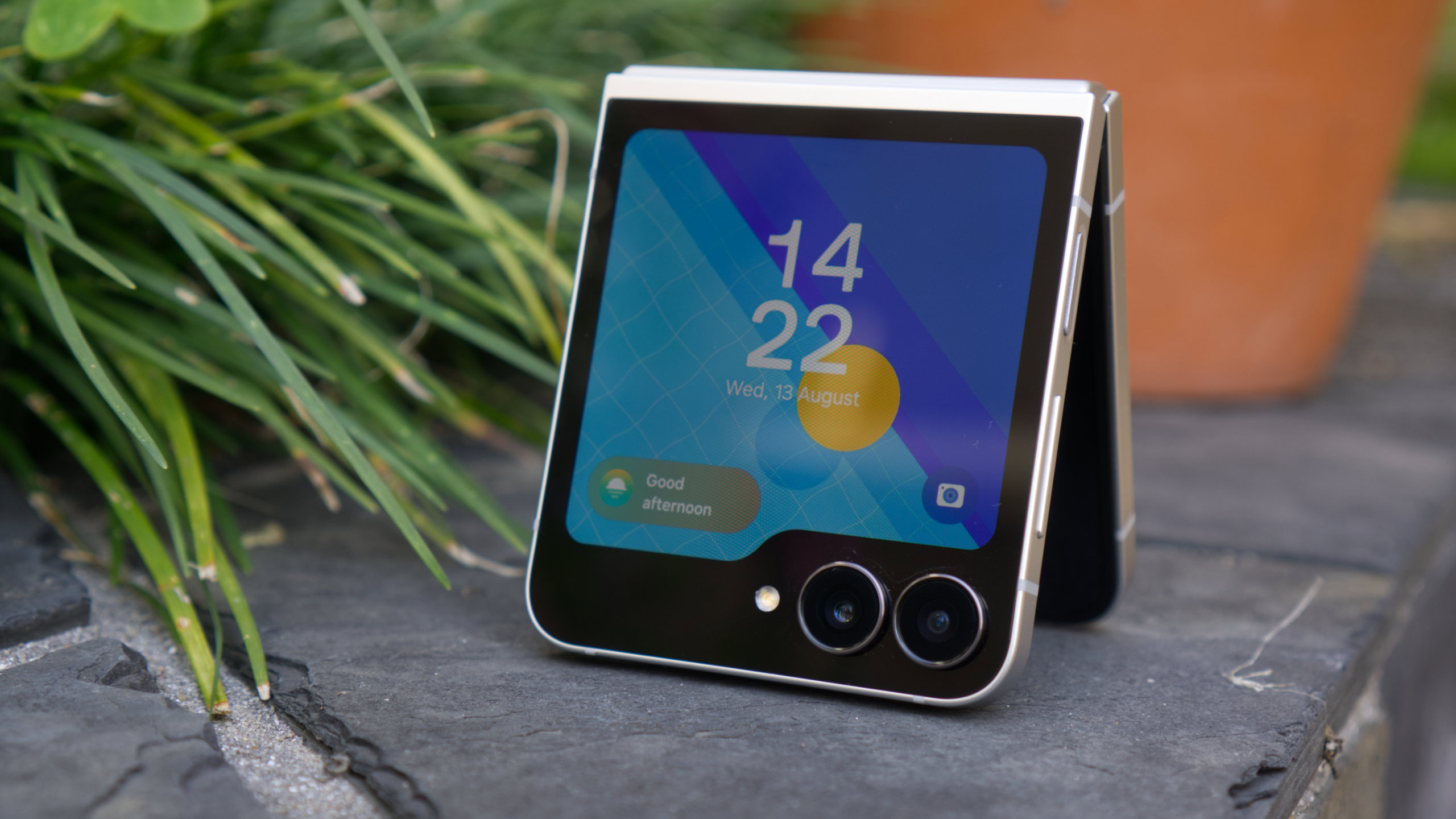
Have you stopped and considered the fact that we can now fold smartphones? It’s truly impressive, and I still marvel over foldable phones. I am also impressed by their prices, though. These things are expensive! Finding a good deal is the best strategy for getting one of these, and today, we have a couple of awesome ones for you, whether you like regular foldables or flip phones.

Buy the Samsung Galaxy Z Fold 7 for $1,699.99 ($300 off)

Get your free gift card now! Pixel 10 devices will be released in a couple of days

Google Pixel 10 Pro in Moonstone next to Google Pixel 10 Pro XL in Jade head on standing upright

Credit: C. Scott Brown / Android Authority

Have you pre-ordered your Google Pixel 10 series device yet? If you’re set on the Pixel 10, Pixel 10 Pro, or Pixel 10 Pro XL, you might want to act quickly. The current pre-order offers get you a free gift card or account credit. These will be released in just a couple of days, so these offers may not be available after the official launch!

Buy the Google Pixel 10 Pro XL with a free $200 gift card for $1,199 ($200 off)

Here’s the first discount on the Amazon Kindle Colorsoft!

Kindle Colorsoft 16GB Press Image

Credit: Amazon

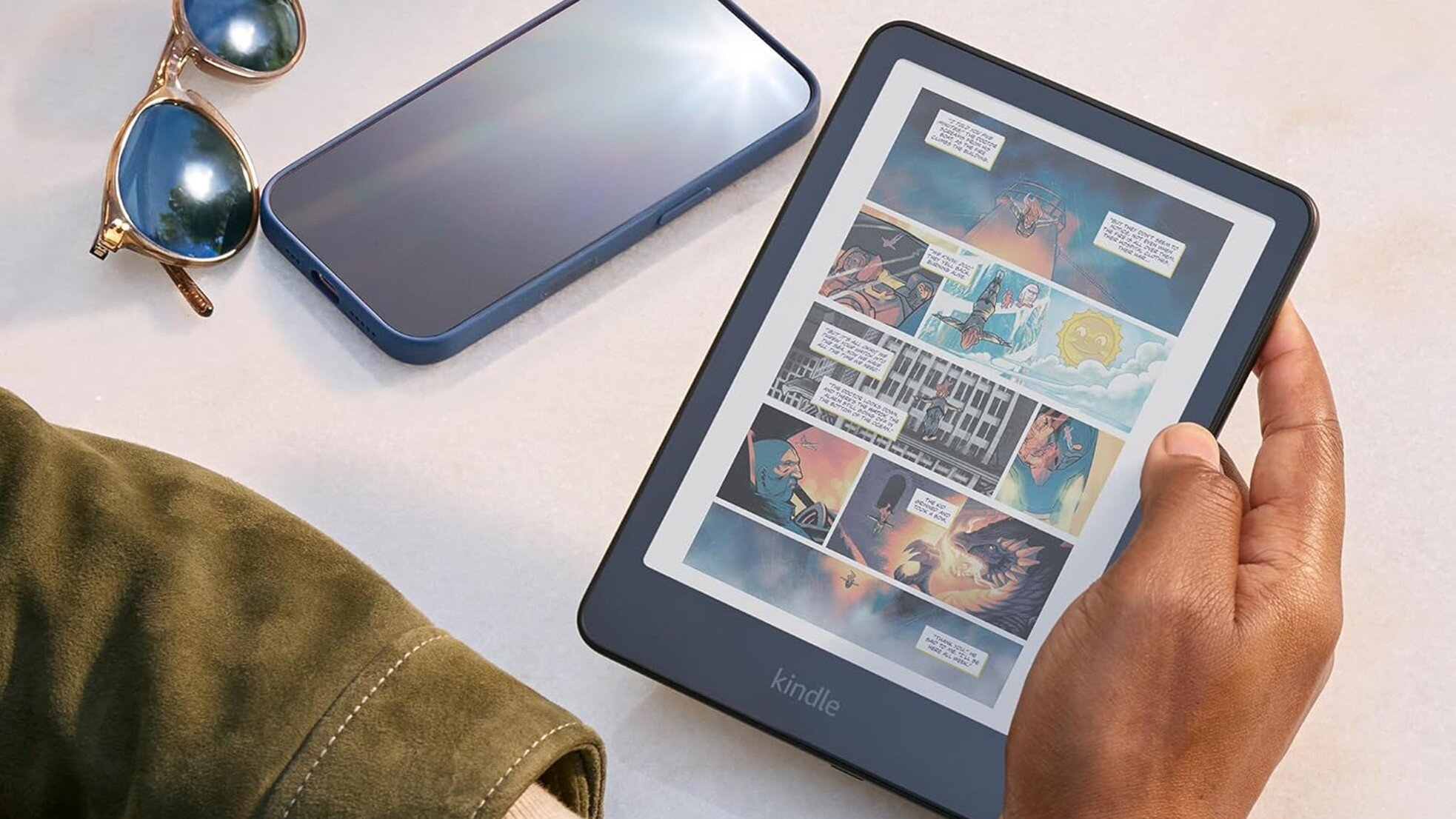
The Amazon Kindle Colorsoft officially launched in late 2024, but the retailer just launched a cheaper version in July 2025. It’s still a bit pricey, but the price has gotten a bit more accessible, especially if you get it right now. The 16GB version of the Amazon Kindle Colorosft just got its first discount, bringing the cost down by $30.

Buy the Amazon Kindle Colorsoft for $219.99 ($30 off)

-- Get the right stuff from a partner you trust. --

Partners

-- IT NEWS --

Blog

admin December 17th, 2025

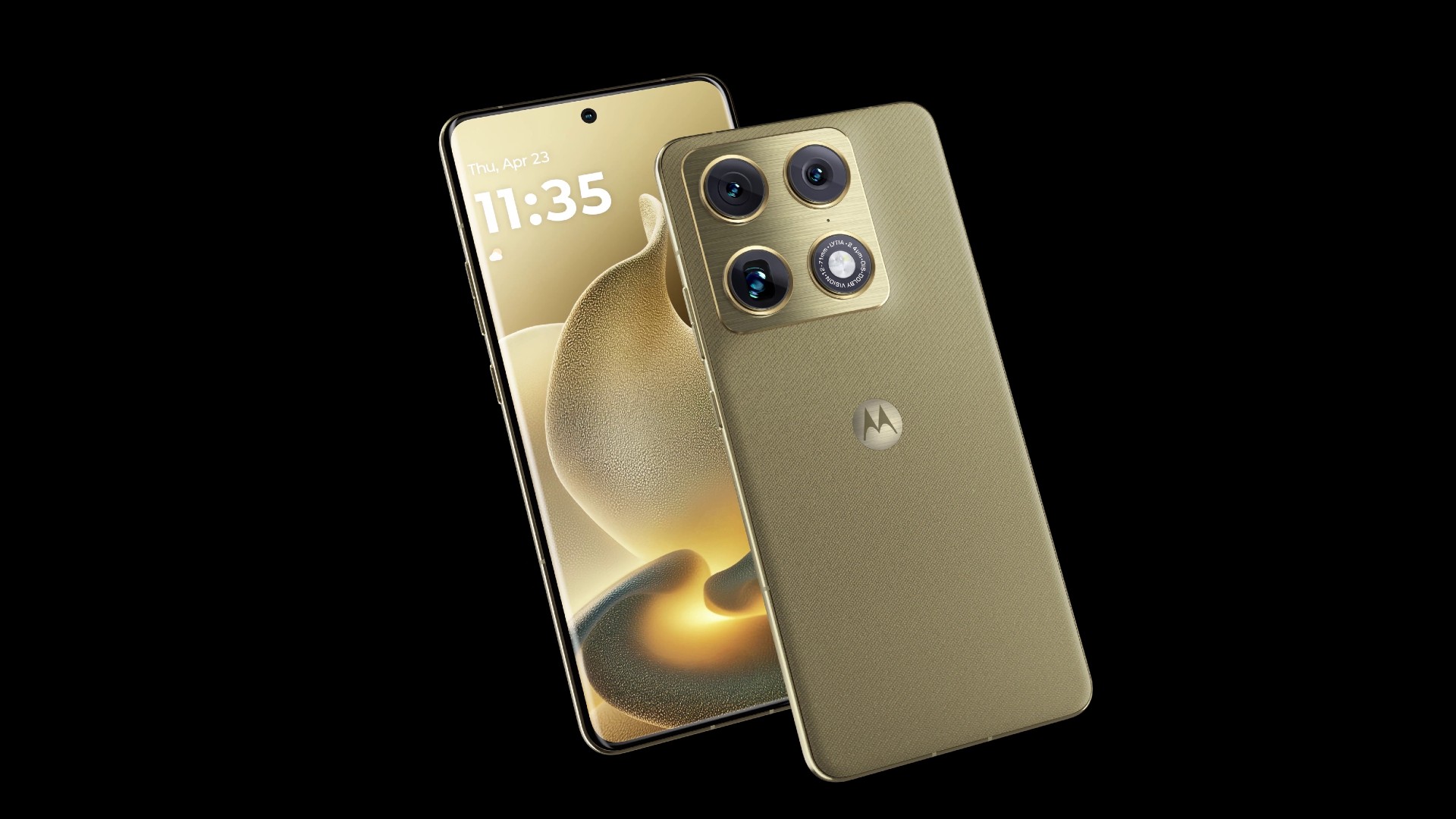
Credit: Evan Blass TL;DR Images of Motorola’s first “Signature” phone have been leaked by tipster Evan Blass. The images show […]

admin December 17th, 2025

Credit: Edgar Cervantes / Android Authority TL;DR Google is bringing its experimental mini app maker, Opal, to Gemini on the […]

admin December 16th, 2025

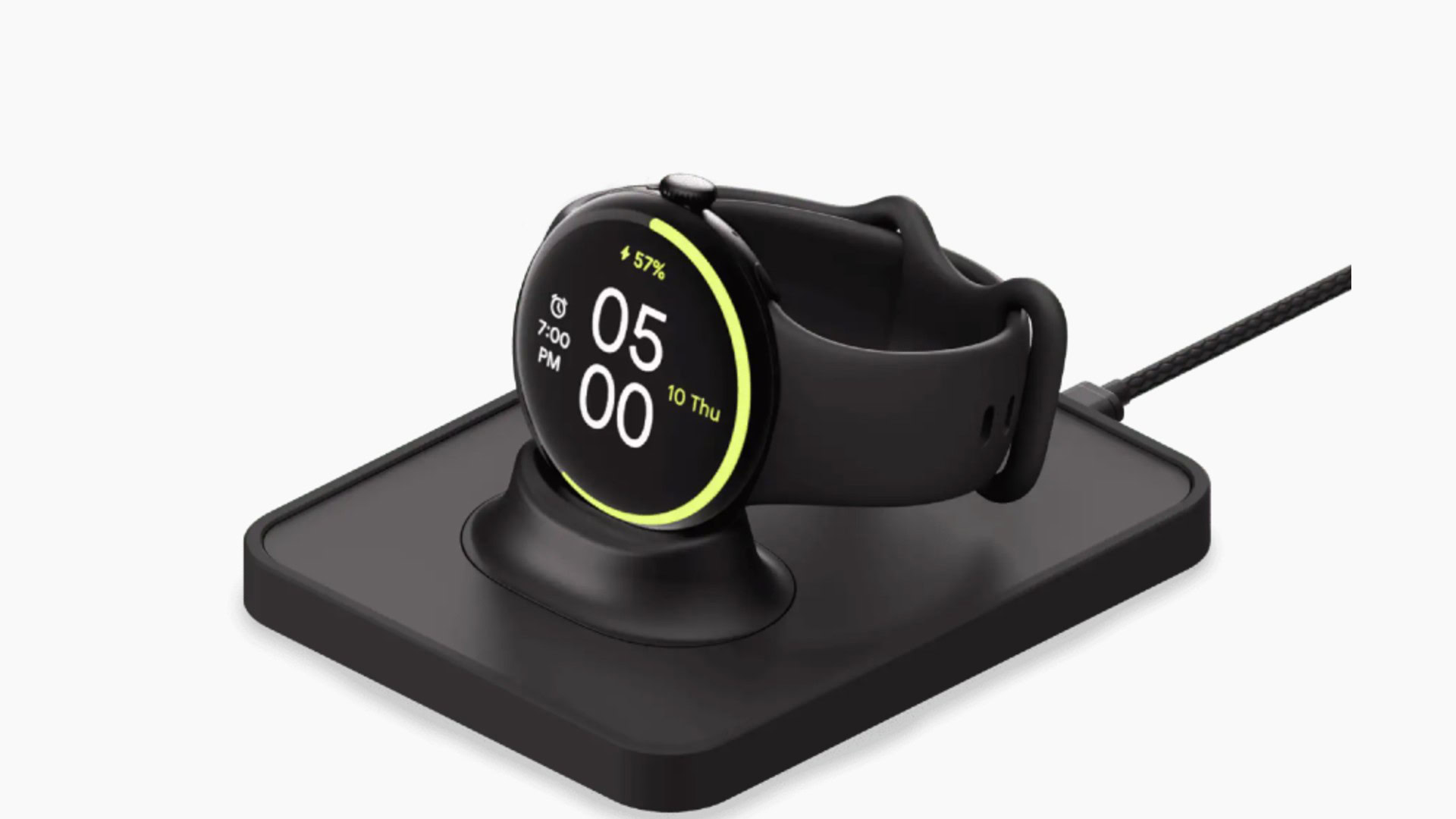
Credit: Google TL;DR Google is now selling the Mous Pixel Watch Charger, the first Google-certified third-party charger for the Pixel […]